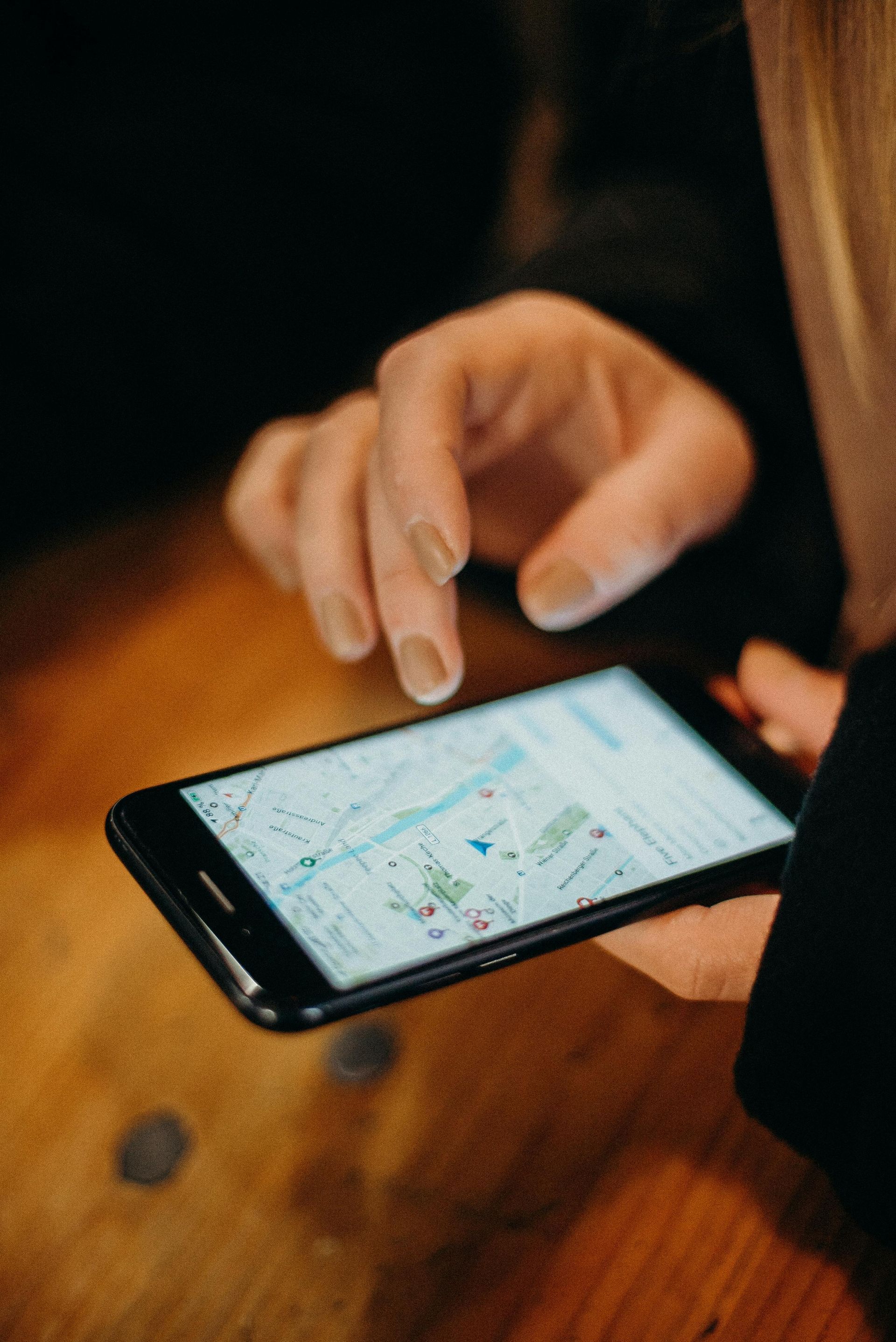
When a homeowner in Concord needs a roofer, or a patient needs a dentist in Bedford, they don't scroll through pages of search results. They look at the three business listings that appear above everything else — the Google Maps Pack. Those listings control a significant share of local phone calls and form submissions, and they're driven almost entirely by one thing: your Google Business Profile.
A complete, actively maintained Google Business Profile ranks higher, earns more clicks, and converts more visitors than a bare or neglected one. The optimization process isn't complicated, but it requires doing every step correctly. Half-finished profiles don't compete with complete ones.
Here is each step, in order, for the local service businesses and clinics that Spearlance works with across southern New Hampshire.
Step 1: Claim and Verify Your Listing
Before anything else can be optimized, you need to control your own listing. Search for your business on Google Maps. If a listing already exists but you haven't claimed it, select "Claim this business" and follow the verification steps. If nothing exists, create a new listing at business.google.com.
Verification options include a postcard by mail, phone call, video recording, or instant verification for eligible businesses. Complete this before moving to any other step — an unclaimed listing can have incorrect information that anyone can suggest edits to, and you lose the ability to respond to reviews.
For service businesses that travel to customers — HVAC, plumbing, landscaping, electrical — set your listing as a "service area business" and hide the physical address. This accurately represents how your business operates and prevents customers from showing up at a home office or warehouse where no one is available to greet them.
Step 2: Choose the Right Business Categories
Your primary business category is the single most influential field in your entire profile. It tells Google exactly what type of business you are and determines which local searches you're eligible to appear for in the Maps Pack.
The rule: be specific, not broad.
- Roofing Contractor beats "Contractor"
- General Dentist beats "Dentist"
- HVAC Contractor beats "Heating and Cooling"
- Physical Therapy Clinic beats "Healthcare"
- Family Medicine Physician beats "Medical Clinic"
After setting your primary category, add secondary categories for additional services. An HVAC company might add "Heating Contractor," "Air Conditioning Contractor," and "Furnace Repair Service" as secondary categories. A dental practice might add "Cosmetic Dentist" or "Emergency Dental Service" if applicable. Research what categories your direct local competitors use — Google's category list is specific, and finding the right exact category name matters more than most business owners realize.
Step 3: Write a Business Description That Actually Gets Read
Google gives you 750 characters for your business description. Use them deliberately, and lead with what you do and who you serve — not your founding story, mission statement, or how passionate you are about your craft.
A customer scanning the Maps Pack needs to immediately understand whether you solve their specific problem. A strong description follows this structure: what you do and your service area in the first sentence, who you typically work with in the second, what makes your work reliable in the third, and a soft call to action to close.
For example, a plumbing company in Merrimack County might write: "We're a licensed plumbing contractor serving Concord, Bow, Hopkinton, and surrounding towns in Merrimack County. We work with homeowners and small commercial properties on everything from emergency repairs to full repiping. Licensed, insured, and available for same-day service. Call for a free estimate."
Your description doesn't appear in the main Maps Pack listing itself, but it does appear when someone clicks through to your full profile — at the moment they're seriously considering calling. Write it for the person who's almost ready to commit.
Step 4: Complete Every Field in Your Profile
Completeness is a direct ranking signal. Work through every available section of your GBP dashboard before considering the profile "done."
Business hours: Set accurate hours for every day. Update for holidays — a listing that shows "Open" on a day you're closed, and then doesn't answer, is a direct path to negative reviews. Google allows you to set special hours in advance for holidays.
Phone number: Use your primary business line. For tracking, you can use a call-tracking number as long as it's consistent with what appears on your website.
Website URL: Link to your homepage, or to a specific local landing page if you have one that matches your GBP service area.
Services section: Add each service as a separate entry with its own name and a short description. This creates additional keyword surface area and makes it easy for visitors to scan whether you handle their specific need.
Attributes: These vary by business category but include options like "Women-owned," "Veteran-owned," accessibility features, and payment methods accepted. Fill in every attribute that accurately applies — they surface in filtered searches and influence click-through behavior.
Q&A section: Populate the most common questions you get asked and answer them yourself before customers start submitting questions you haven't addressed. This is especially valuable for medical practices and contractors where prospects have predictable pre-service questions.
Step 5: Upload Photos That Signal an Active Business
A profile with no photos, or photos that haven't been updated in years, reads as an inactive business to both Google and potential customers. Photos build trust quickly — they show people what to expect before they ever contact you — and they signal to Google that your listing is being actively maintained.
At minimum, upload a cover photo that clearly represents the business, your logo on a clean background, an exterior shot from the street so customers can find you, photos of your team doing real work, and project photos (before-and-after shots for contractors, office or facility shots for medical practices and clinics).
Add new photos consistently — at least a few per month. A profile updated last week looks more active than one with 80 photos that haven't changed in eight months. Treat photo uploads the same way you'd treat posting on social media: consistent small actions over time produce better results than a single large batch.

Step 6: Build Your Review Profile Deliberately
In local search, reviews do more work than almost any other signal. The quantity, recency, and diversity of your reviews all affect both where you rank in the Maps Pack and how often customers choose you over a competitor once they see your listing.
The most effective approach is to make asking for reviews a standard part of job completion — not a follow-up task you remember to do occasionally. Ask at the point of maximum satisfaction: the moment the job is done and the customer is happy. Send a follow-up text or email within 24 hours with a direct link to your GBP review form. Add the review link to your invoices and email signature. Make the path from "thank you" to "published review" as short as possible.
Respond to every review — positive and negative. For positive reviews, be genuine and mention something specific from their feedback. For negative reviews, respond calmly, acknowledge the concern, and move the conversation offline if the situation requires it. How you handle criticism is visible to every future prospect reading your reviews, and a thoughtful response to a negative review often builds more trust than the negative review itself costs you.
For a deeper look at review collection strategies, the fundamentals in our post on 4 ways to get more customer reviews still apply. One hard rule: never buy reviews, incentivize them, or filter who you ask. Google's systems detect patterns, and losing your review profile to a policy violation is far more damaging than having fewer reviews.
Step 7: Post Consistently Through Google Posts
Google Posts are short updates attached to your business panel in search results — think of them as a micro-social feed that appears when someone views your GBP. "What's New" posts expire after 7 days by default, which makes consistent posting necessary to keep the section populated.
Post at minimum twice per month. The three most useful post types are "What's New" for recent projects, tips, or service reminders; "Offer" for current promotions or seasonal specials; and "Event" for open houses, community events, or workshops you're hosting or attending.
Content doesn't need to be elaborate. A phone photo of a recently completed job with two sentences of context is enough. A "free estimates available through June 30" post takes ten minutes to write. Consistency is what matters — a profile that posted last week looks more alive than one with polished posts from six months ago.
Frequently Asked Questions
How long does it take to appear in the Maps Pack after optimizing my GBP?
In moderately competitive markets — most small New Hampshire cities and towns — you can typically see movement in 4 to 12 weeks after a thorough optimization. Highly competitive categories like plumbing, roofing, and dental in larger markets take longer. The factors you control are profile completeness, review velocity, and post frequency. Work those consistently and rankings tend to follow.
Does my Google Business Profile affect my website's organic rankings?
GBP and website SEO are separate signals, but they reinforce each other. A well-optimized GBP drives traffic to your website, which builds engagement signals. Your website's local content — proper service pages, geographic signals, and search engine marketing — supports your Maps Pack position in return. Treat them as two parts of the same system, not separate tracks.
My business serves multiple towns — how should I handle that in my GBP?
For a single-location service business, list every town you actively serve in the "service area" section of your profile. Don't create separate GBP listings for each town — that violates Google's guidelines and risks account suspension. If you have a legitimately separate physical location with a real address and staff, that can have its own listing. For geographic expansion beyond a single profile, your website's local lead generation strategy — dedicated location and service pages — is where the heavier lifting happens.
What should I do if a competitor has far more reviews than I do?
Don't try to manufacture a shortcut. Focus on review velocity — getting new reviews consistently — rather than trying to match a total count overnight. Two or three new reviews per month over a year builds a profile that looks active and trustworthy, which often outperforms a competitor with 200 older reviews and no recent activity. Authenticity and recency carry more weight than raw numbers over time.
Putting It Into Practice
Your Google Business Profile is a live listing that rewards consistent attention, not a one-time setup. The businesses that dominate the Maps Pack in your area have been doing this work for months or years: updating photos, collecting reviews from every completed job, posting regularly, and keeping every field current with accurate information.
The steps above cover the complete optimization picture. If you want to go further — connecting your GBP strategy to your website's local SEO, automating your local SEO follow-up process, or understanding what keyword research tells you about what your customers are actually searching — those are the layers that compound the GBP foundation into a consistently full pipeline.
For businesses exploring how AI-assisted tools can support local visibility and reputation management, see our overview of AI for local business. And if you want Spearlance to audit your current GBP setup and identify exactly what's holding you back from the Maps Pack, schedule a free consultation — we work with local contractors, medical practices, and service businesses across Concord and southern New Hampshire.